How to Get a .edu Email (Official & Legitimate Guide 2026)
How to Get a .edu Email (Official & Legitimate Guide 2026)
A .edu email address is an official academic email issued exclusively by accredited educational institutions. To obtain a student .edu email, you must officially enroll in a qualified college or university that assigns these accounts. There is no legal way to independently generate or purchase a valid .edu email.
Only accredited institutions have the authority to issue .edu email accounts. There is no independent registration system for the .edu domain.
What Is a .edu Email?
Who Manages the .edu Domain?
A .edu email address operates under a highly restricted top-level domain administered exclusively by EDUCAUSE under strict policies regulated by the U.S. Department of Education. Since 2001, EDUCAUSE has been the sole registrar for this domain, ensuring that only officially recognized and accredited educational entities can obtain and use it.
How Is a .edu Email Different from Gmail or Yahoo?
Unlike commercial email providers such as Gmail, Yahoo, or Outlook—where anyone can create an account anonymously in seconds—the .edu extension is a sponsored top-level domain (sTLD). It functions as a closed academic network. You cannot visit a website and register a personal .edu address; it must be assigned and provisioned to you by a network administrator at a recognized educational institution.
Why the .edu Domain Is Considered High-Authority
Because of the rigorous accreditation checks required to obtain the domain, the .edu extension carries immense academic and digital authority. Search engines, corporate service providers, and software companies inherently trust these domains. An academic email acts as a digital passport, proving definitively that the account holder is actively affiliated with a vetted, legitimate educational institution.
Who Is Eligible for a .edu Email?
Active Enrollment Requirements
The primary condition for eligibility is active academic enrollment. You must be an officially admitted and registered student—whether attending full-time or part-time—taking credited courses at the institution.
Identity Verification Process
Universities do not issue these emails to unverified users. The application process requires strict identity verification, including the submission of a valid government ID, a Social Security Number (SSN) for domestic students, or an official university acceptance letter.
Institutional IT Control and Monitoring
Accounts are strictly created, managed, and monitored by the university's central IT department. The institution retains full legal ownership of the inbox and can revoke access immediately if a student violates the Acceptable Use Policy, graduates, or drops out of their classes.
Faculty and Staff Eligibility
Eligibility is not limited solely to the student body. Employed educators, professors, researchers, and administrative staff also receive .edu accounts for conducting official university business and academic communications.
| Requirement | Explanation |
|---|---|
| Active Enrollment | Must be an officially admitted student (full-time or part-time). |
| Identity Verification | Requires valid ID, SSN, or an official admission acceptance letter. |
| Institutional Control | Created and managed exclusively by the university's IT department. |
| Faculty & Staff | Educators and administrators receive accounts for official academic business. |
How to Get a .edu Email (Step-by-Step Guide)
Step 1 – Apply to an Accredited Institution
Choose a recognized community college or four-year university and submit an official academic application. Many local community colleges have open admissions policies that make initiating this process straightforward.
Step 2 – Complete Admission and Identity Verification
Provide the necessary identity verification documents, submit your high school transcripts, and pay any required application fees to the admissions office.
Step 3 – Receive Student Credentials
Once your admission is processed and officially accepted, the university's IT department will generate your unique student ID number and issue your temporary login credentials.
Step 4 – Activate Your Academic Email Account
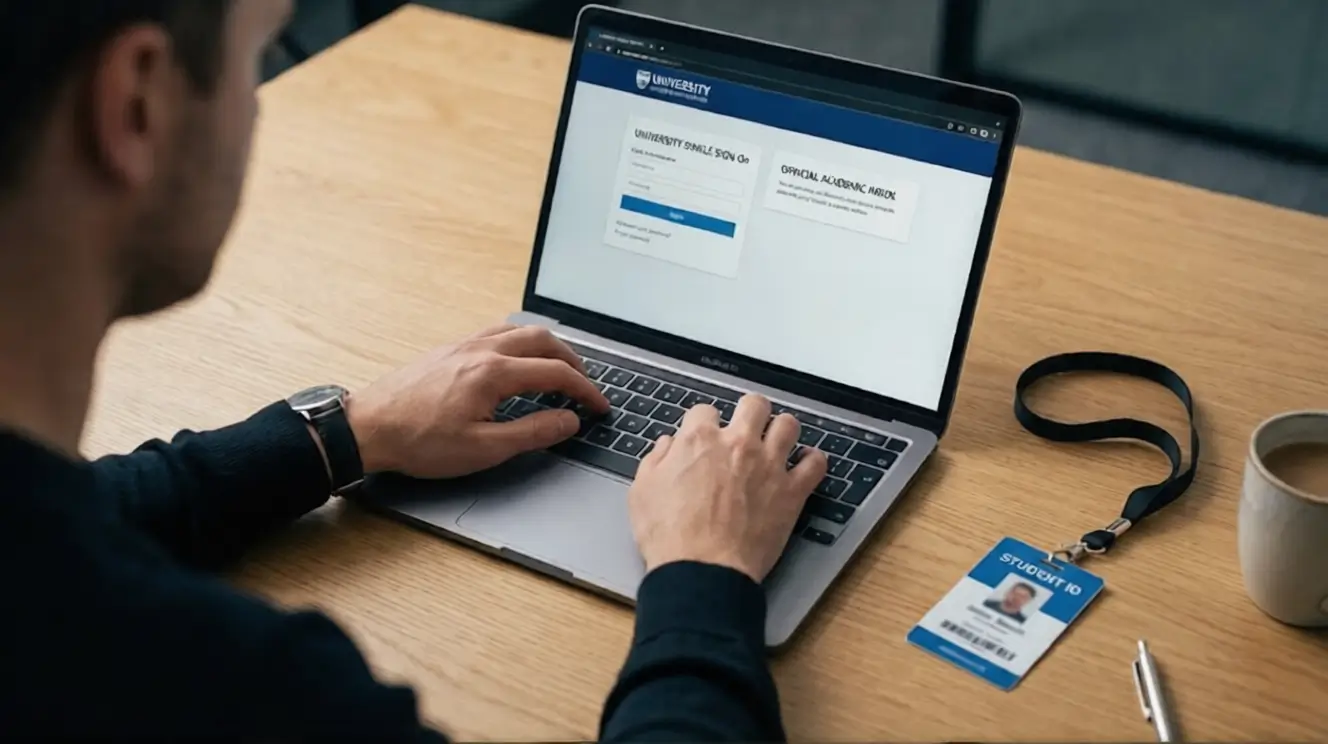
Log into the official student portal provided by the university. You will be prompted to change your temporary password, set up your security verification questions, and officially activate your inbox.
Important Compliance Notice
Only accredited educational institutions can legally issue .edu email addresses. Any third-party service claiming to sell or generate permanent .edu emails independently is unauthorized, fraudulent, and violates domain registration policies.
Why Do Universities Provide .edu Email Accounts?
Secure Academic Communication Network
Educational institutions issue academic email addresses primarily to ensure a secure, closed-loop communication network. This infrastructure protects students and faculty from external spam, phishing, and ensures that internal communications remain confidential.
Integration with Learning Management Systems
These inboxes are tightly integrated with the university's learning management systems (LMS), such as Canvas or Blackboard. Students must use their official emails to submit assignments, collaborate on group projects, and access digital library databases securely.
Financial Aid and Administrative Notifications
Universities rely exclusively on these official addresses to distribute critical, time-sensitive information regarding tuition billing, FAFSA (financial aid) updates, class schedule changes, and campus emergency security alerts.
The Verified Benefits of a .edu Email
E-Commerce and Retail Discounts
Amazon Prime Student
Enrolled students can access Amazon Prime Student, which offers a massive discount on annual memberships, free two-day shipping, Prime Video, and exclusive college retail deals.
Apple Education Store
The Apple Education Store provides dedicated hardware pricing on MacBooks, iPads, and software bundles specifically reserved for verified students and educators.
Software and Developer Tools
GitHub Student Developer Pack
The GitHub Student Developer Pack grants free access to premium developer tools, cloud hosting credits, and professional IDEs, making it an essential asset for computer science students.
Microsoft 365 Education
Students at eligible institutions receive free access to Microsoft 365 Education, which includes cloud-based versions of Word, Excel, PowerPoint, and collaborative tools like Microsoft Teams.
Autodesk Educational License
Architecture and engineering students receive free educational licenses for industry-standard Autodesk software, including AutoCAD, Maya, and Revit.
Adobe Creative Cloud Student Plan
Creative and design students get significant monthly discounts on the complete Adobe Creative Cloud suite, including industry standards like Photoshop, Illustrator, and Premiere Pro.
Entertainment and Streaming Services
Spotify Premium Student
Verified students can access the Spotify Premium Student bundle, which typically includes partner streaming services at a fraction of the standard price, making it highly popular globally.
How Companies Verify Student Status Today
Why Email Domain Alone Is No Longer Enough
In the past, simply possessing an email address ending in .edu was enough to unlock all benefits. Due to widespread abuse and the rise of fake accounts, major corporations no longer rely solely on the email domain extension.
Verification Platforms
SheerID
SheerID is a leading identity marketing platform that instantly verifies a student's current enrollment status securely by connecting directly to university data networks.
UNiDAYS
UNiDAYS is a popular global discount network that requires students to log into their university portal directly through the UNiDAYS system to prove active, real-time attendance.
Real-Time Enrollment Database Checks
These platforms cross-reference your legal name, date of birth, and university against official enrollment databases in real-time. If an unauthorized or generated email is used, the system will instantly flag the discrepancy and reject the application.
Common Scams and Why You Should Never Buy a .edu Email
Immediate Account Suspension Risks
Companies actively audit their student discount programs. If a fake provider or purchased account is detected, your primary accounts on platforms like Amazon, Spotify, or GitHub will be permanently banned.
Data Privacy and Security Threats
When you buy an email from an unknown seller, that seller retains administrative access to the inbox. They can read your private emails, reset passwords on your connected accounts, and steal your digital identity.
Terms of Service Violations
Using an academic email when you are not actively enrolled is considered fraud by corporate terms of service and severely violates institutional IT acceptable use policies.
Legal Consequences and Fraud Exposure
The creation and selling of fake academic credentials often involve identity theft and fraudulent applications, exposing buyers to unnecessary and serious legal liabilities.
Technical Setup – How to Access Your Student Email
Google Workspace for Education Setup
If your university uses Gmail infrastructure, add a new Google account on your device, enter your academic email, and you will be redirected to your university’s Single Sign-On (SSO) portal to authenticate.
Microsoft 365 Education Setup
For universities using Outlook, navigate to the Microsoft 365 login page, enter your student credentials, and follow the institutional prompts to securely access your inbox.
iPhone & Mobile Device Configuration
Navigate to your phone's mail settings, select either Microsoft Exchange or Google (depending on your university's infrastructure), enter your email, and authenticate through your student portal.
Troubleshooting Login Issues and MFA Setup
If you cannot log in, always contact your university's official IT Help Desk. Login failures usually require a simple password reset or the mandatory setup of Multi-Factor Authentication (MFA) using a trusted authenticator app.
Accreditation Verification Before Enrollment
How to Check if a College Is Accredited
Before applying to an institution, you can verify its status by searching the official Database of Accredited Postsecondary Institutions and Programs (DAPIP) provided by the U.S. Department of Education.
Why Accreditation Matters for .edu Eligibility
EDUCAUSE only grants .edu domains to institutions that are institutionally accredited by an agency on the U.S. Department of Education’s recognized list. Unaccredited bootcamps or diploma mills cannot issue valid .edu emails, meaning their domains will not work for student discounts.
Key Takeaways
A .edu email is issued only by accredited institutions.
Official university enrollment is mandatory to receive an account.
Student discounts require verified status through platforms like SheerID.
Buying academic emails is illegal, unsafe, and violates terms of service.
Accreditation is required for a university to hold a .edu domain.
Frequently Asked Questions (FAQ)
Can I get a free .edu email without being a student?
No. Legally and officially, you must be enrolled in, or employed by, an accredited educational institution to receive a .edu email. There is no independent registration process.
Are temporary .edu email generators safe?
Temporary academic-style emails may exist, but they do not provide verified student status and should never be used to claim institutional benefits or bypass official verification systems.
How long does a student email stay active after graduation?
This depends entirely on the university's IT policy. Some revoke access immediately upon graduation, while others transition the account to an alumni domain (e.g., @alumni.university.edu).
Do all colleges provide .edu emails?
The vast majority of accredited four-year universities and two-year community colleges in the United States provide .edu emails. Certain unaccredited schools may use standard .com or .org domains.
Is it illegal to buy a .edu email?
Yes, purchasing an academic email is highly unethical and often illegal. Using these purchased accounts violates the terms of service of both the university and the companies offering student discounts.